Lock
Click the TinkerLock icon in the menu bar.
 TinkerLock
for macOS
TinkerLock
for macOS
Keyboard and mouse disabler for kid use
TinkerLock turns off typing and mouse clicks so your little one can "work" like mom and dad without changing your work.
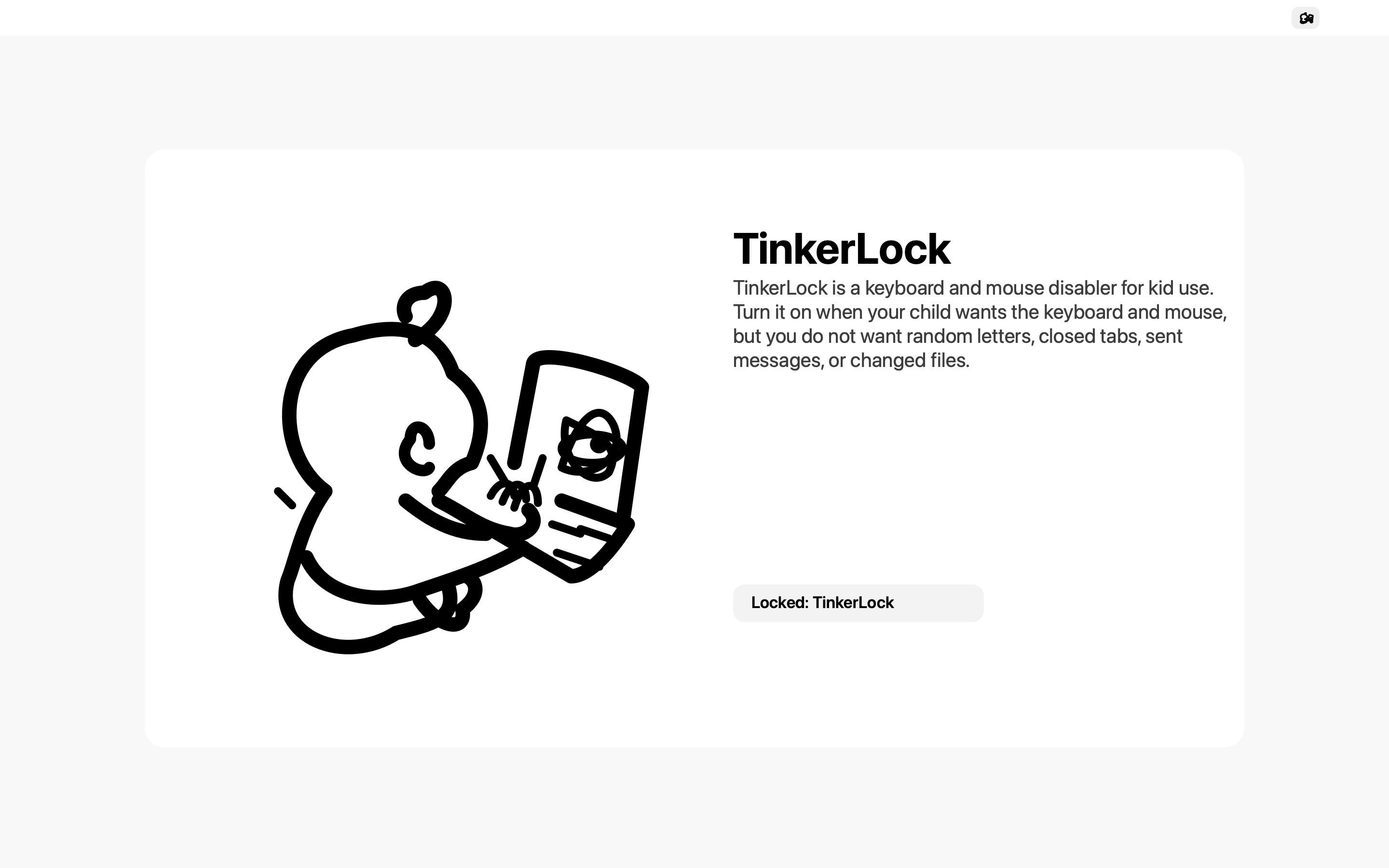
Keyboard and mouse input stay blocked until you unlock.
Why it exists
TinkerLock is for the moment your child wants the keyboard and mouse, but you do not want random letters, closed tabs, sent messages, or changed files.
How it works
Turn TinkerLock on when your kid wants to play. Turn it off when you are ready to work again.
Click the TinkerLock icon in the menu bar.
Keyboard, mouse clicks, scrolling, and common gestures stay off.
Click TinkerLock again and your Mac goes back to normal.
Download
TinkerLock does not collect your input. It just blocks local keyboard and mouse events while the lock is on.